One Xoluxion PartnersHelp center / For affiliatesContact support ↗

FOR AFFILIATES / PROMOTING

Share your referral links

Send visitors to the right destination while preserving your referral attribution.

Tools and reward rules depend on your program’s settings.

Copy your link

Open Referral links in your program portal. Choose the relevant destination and copy the complete link. Use the copy control instead of rebuilding the address yourself.

OX Partners
Promote button — example affiliate portal
Promote button
More screenshots (3)
OX Partners
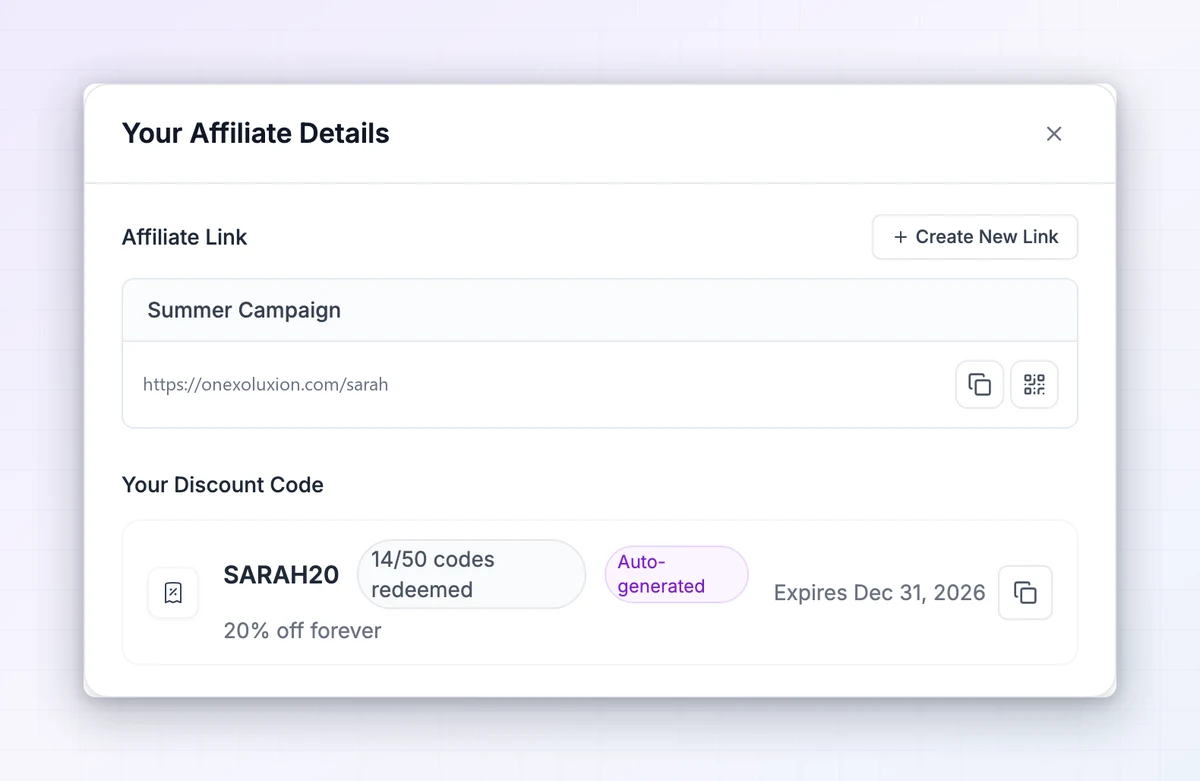
Affiliate details dialog — example affiliate portal
Affiliate details dialog
OX Partners
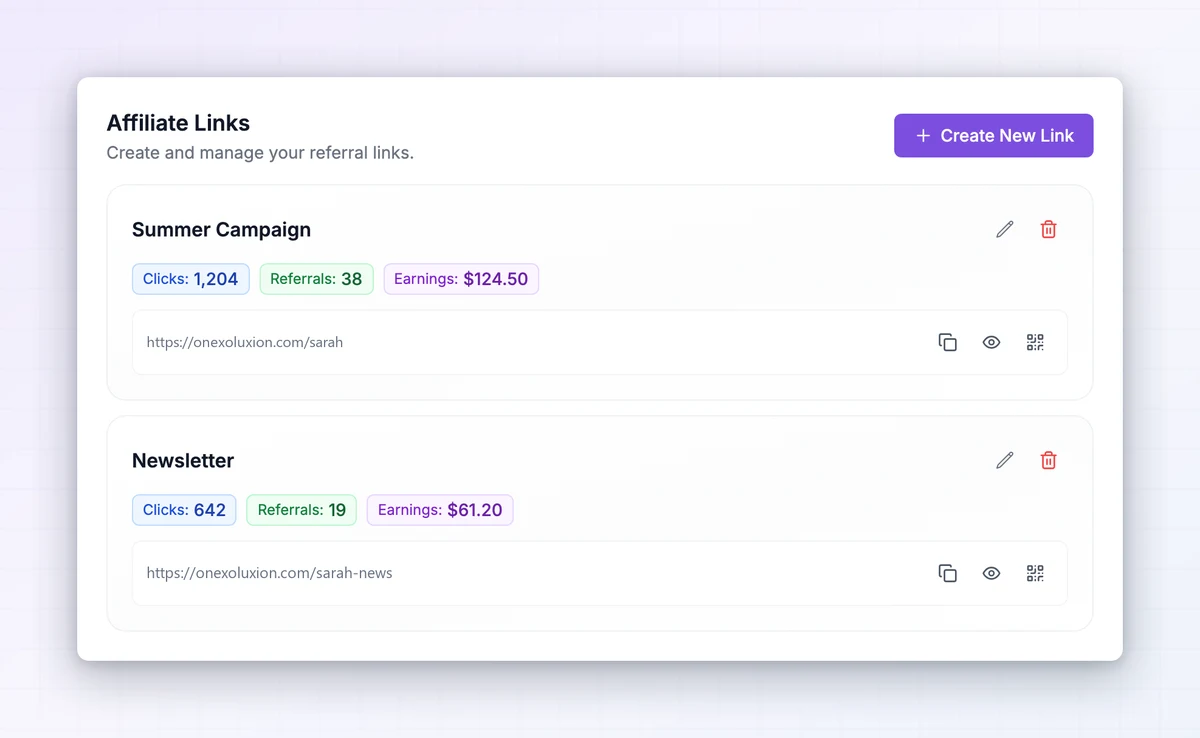
Affiliate links settings — example affiliate portal
Affiliate links settings
OX Partners
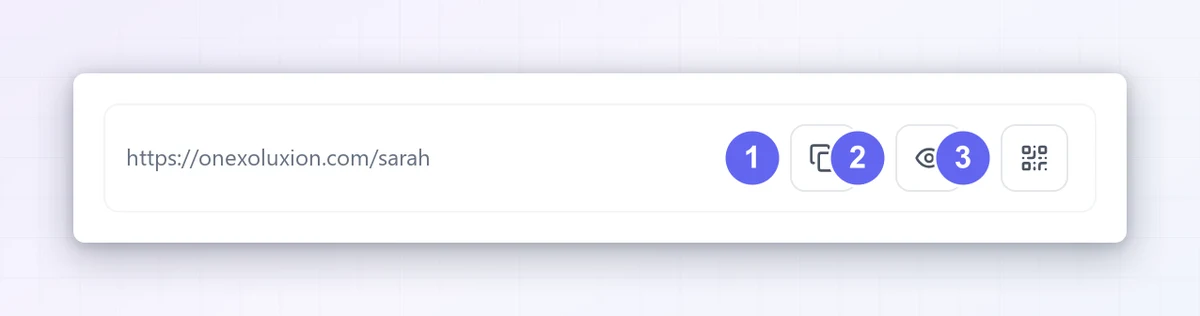
Link row icons — example affiliate portal
Link row icons

Choose a format

Your program may offer landing-page links, short links, QR codes, custom link names, or deep links to specific pages. Use the options shown in your workspace. Add supported campaign tags when you need to distinguish traffic sources.
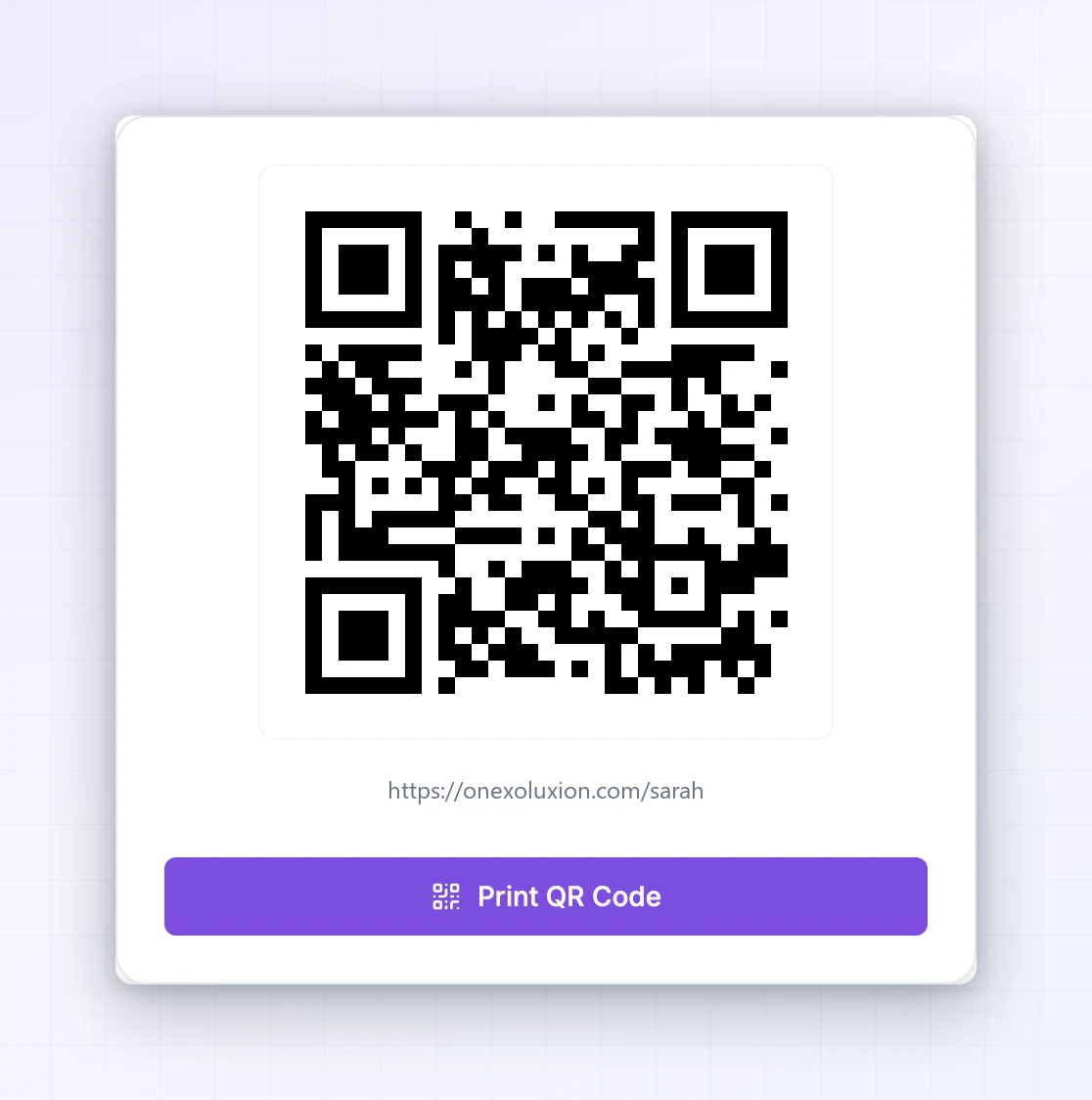
OX Partners
Qr code dialog — example affiliate portal
Qr code dialog
More screenshots (1)
OX Partners
Create link form — example affiliate portal
Create link form

Check before sharing

Open the copied link and confirm the intended page loads. Keep its referral parameters intact when pasting it into a post, email, or website. A recorded click is not a confirmed commission: the referred activity must meet the program rules. If attribution looks wrong, give the manager the link and approximate event time.

OX Partners
Link stats badges — example affiliate portal
Link stats badges
More screenshots (2)
OX Partners
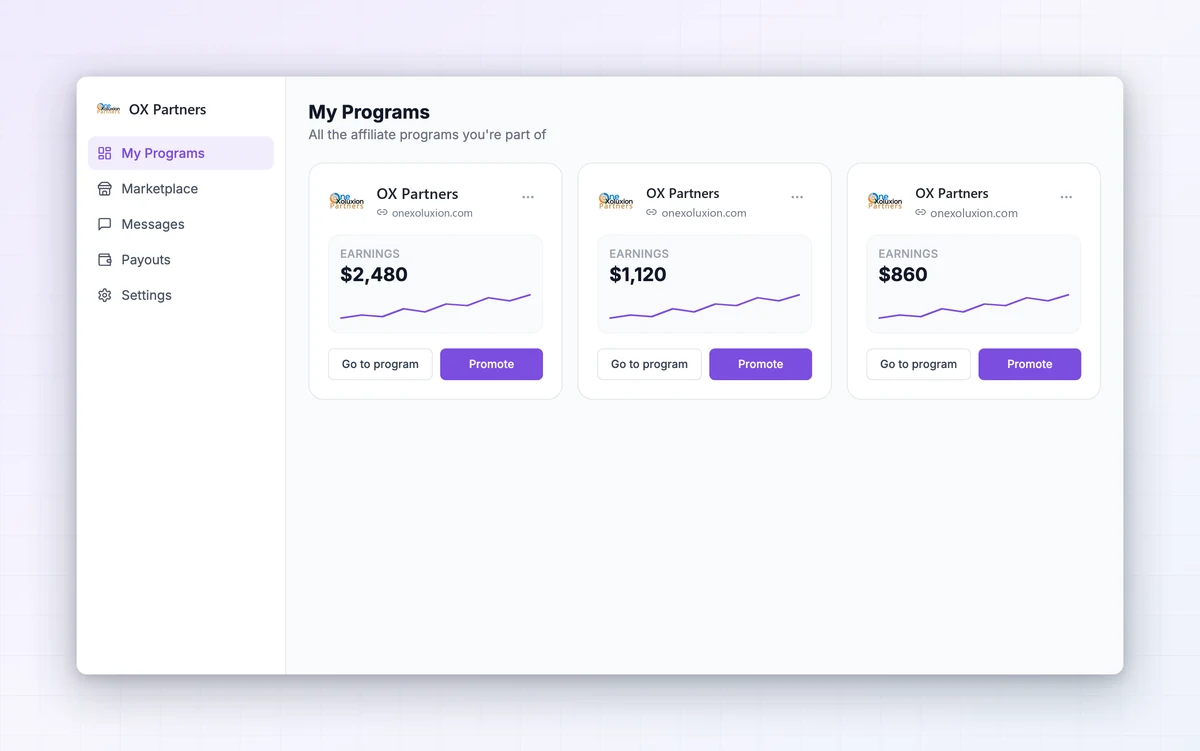
Influencer my programs — example affiliate portal
Influencer my programs
OX Partners
Influencer links accordion — example affiliate portal
Influencer links accordion

Interface examples adapted for OX Partners from Referly. Your program’s appearance and enabled tools may vary.