Find your workspace
Open the portal address in your program invitation. Each program has its own workspace. Use the email you registered with, then complete the sign-in steps shown. Bookmark the correct address for your next visit.

Know where to look
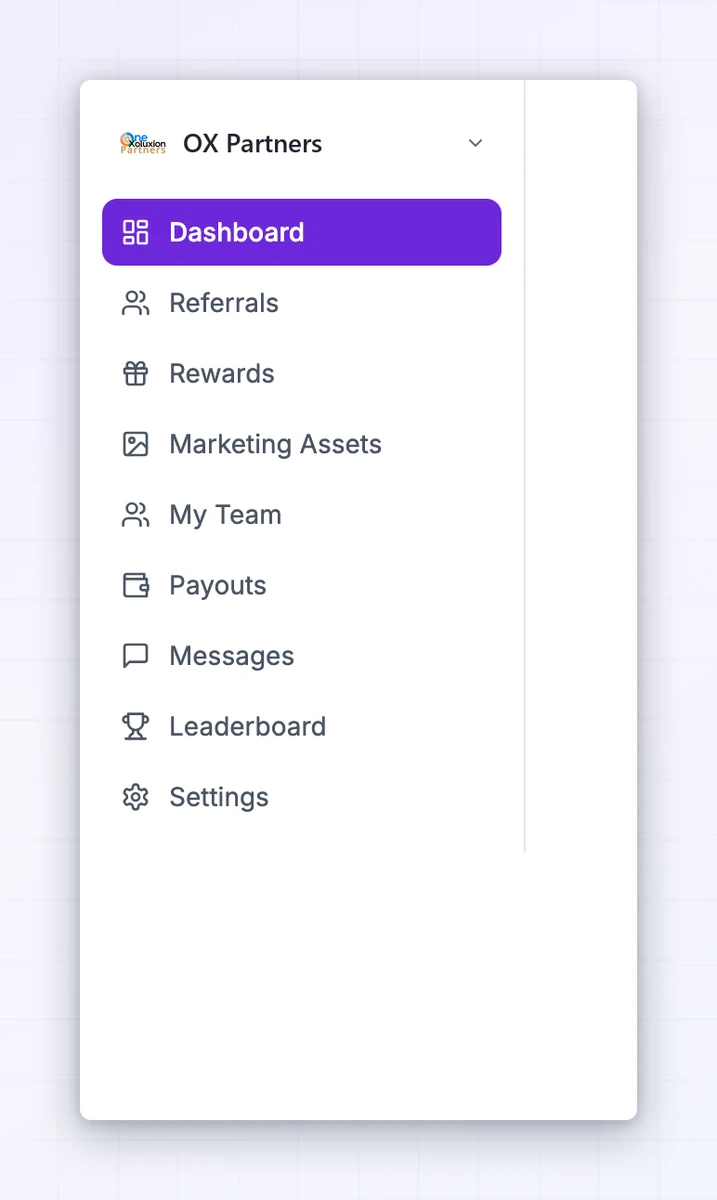
The dashboard summarizes your activity. Referral links and promo codes help you promote; rewards show what you have earned; payouts show what has been sent. A reward awaiting review is not a completed payment.
More screenshots (3)


Move between programs
Use the program switcher to open another membership. The cross-program dashboard helps you find programs associated with your email. Available tools depend on what each program enables. This help center explains those tools; it does not display your live account data.
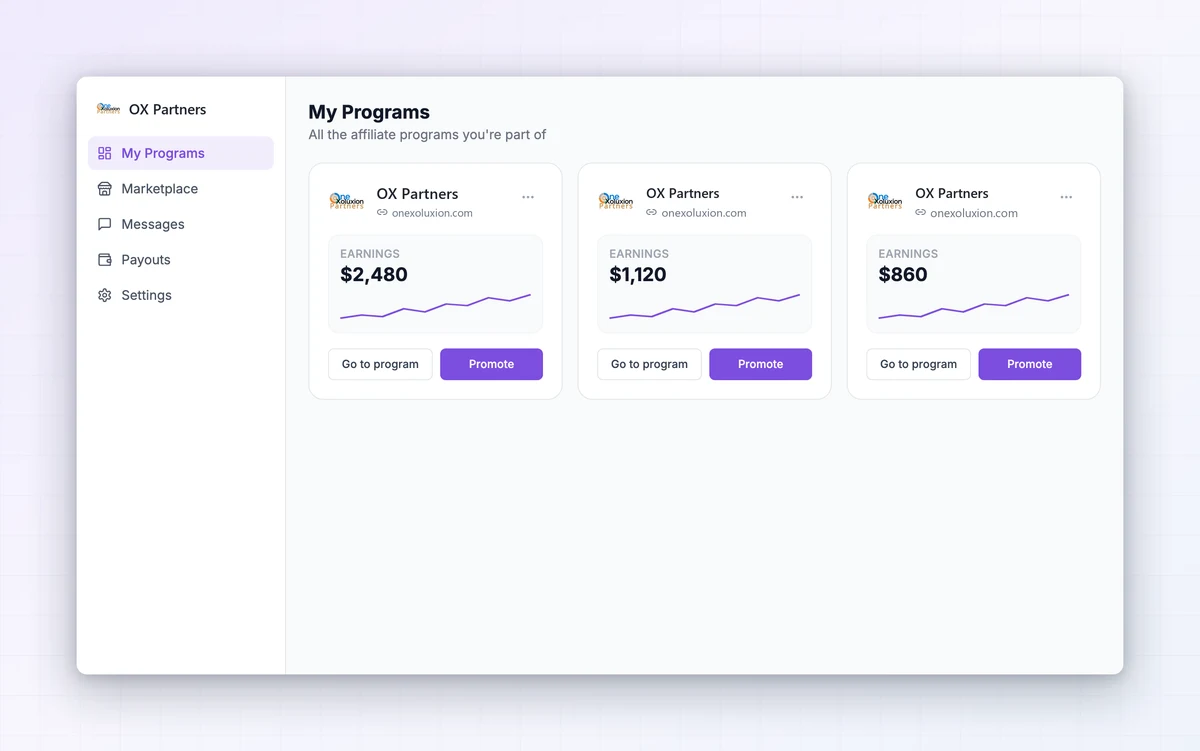
Interface examples adapted for OX Partners from Referly. Your program’s appearance and enabled tools may vary.